

Why Automate Direct Mail Campaigns for Better ROI

Direct mail automation is the technology-driven process of orchestrating, personalizing, and tracking physical mail campaigns without manual intervention at each step. Platforms like Lob, Postalytics, and Sendoso have made it possible for marketing teams to trigger personalized mail pieces directly from CRM events, track delivery in real time, and measure ROI with the same precision applied to email. The question of why automate direct mail campaigns has a clear answer: automation turns a labor-intensive project into a continuous, scalable marketing channel that outperforms traditional batch sends on every measurable dimension.
Why automate direct mail campaigns: the efficiency case
The operational argument for direct mail automation is difficult to ignore. Automating direct mail workflows increases mail production output by 150% and reduces project timelines by two-thirds compared to manual processing. One health plan provider saved 4,000 labor hours annually after switching to an API-based workflow. That is not a marginal improvement. It is a structural shift in how marketing teams allocate time.
Traditional direct mail campaigns require staff to manage printing vendors, coordinate stuffing and sealing, schedule postal pickups, and manually verify addresses. Each step introduces delay and human error. Automated workflows replace those touchpoints with API integrations that connect your CRM or marketing platform directly to print fulfillment partners. The result: campaigns can launch within 10 minutes, versus weeks for traditional workflows.

The cost savings extend beyond labor. Automation platforms use intelligent routing to select print facilities based on recipient zip codes, reducing both postage costs and delivery times. Managing that kind of geographic optimization manually across thousands of addresses is practically impossible. Automation handles it at the infrastructure level, invisibly and consistently.
Key efficiency gains from automating direct mail campaign workflow include:
- Elimination of manual print coordination across multiple vendors
- Automated address normalization to reduce undeliverable mail
- Intelligent printer selection based on recipient location for faster, cheaper delivery
- API-triggered sends that remove approval bottlenecks from recurring campaigns
- Centralized dashboards replacing fragmented spreadsheet tracking
Pro Tip: When evaluating automation platforms, prioritize those with native CRM integrations over those requiring middleware. Every additional connection point is a potential failure in a workflow that needs to run without human oversight.
How does personalization work in automated direct mail?
Personalization is where automated direct mail strategies separate themselves from bulk mail entirely. Trigger-based workflows integrate CRM events with print and mailing processes to send hyper-personalized mail automatically, without a designer or coordinator touching each piece. Cart abandonment, customer onboarding, subscription renewals, and win-back sequences are all candidates for trigger-based mail.
Variable data printing makes this possible at scale. Each mail piece pulls recipient-specific content, including name, product recommendations, localized offers, and personalized URLs, from your data layer at the moment of print. No manual redesign. No batch segmentation by hand. The template is fixed; the data populates dynamically per recipient.
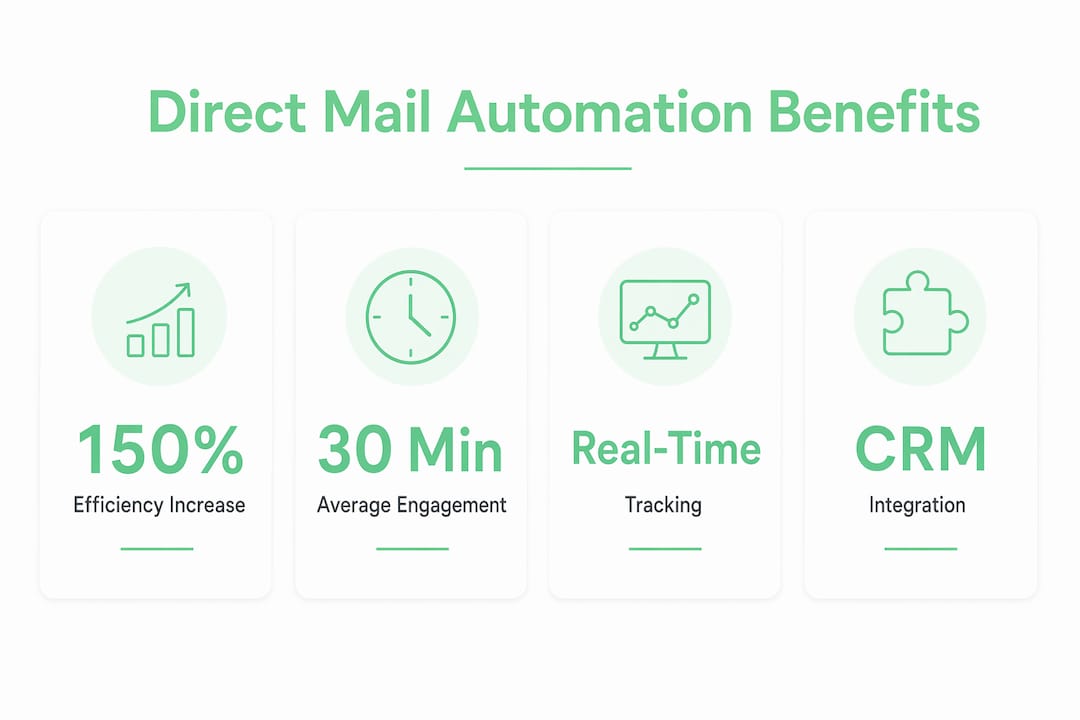
The engagement numbers justify the investment. Targeted mail pieces engage customers for an average of 30 minutes, a figure that no digital channel consistently matches. Physical mail commands attention in a way that inbox messages do not. When that mail is also relevant and timely, the effect compounds.
Multi-touch drip campaigns are the clearest example of why manual direct mail cannot compete with automated workflows at scale. Conversions in direct mail most often occur between the 5th and 7th touchpoints. Coordinating that sequence manually for thousands of contacts is not realistic. Automation makes it the default.
Here is how a triggered direct mail sequence typically works:
- A CRM event fires (cart abandonment, trial expiration, or inactivity threshold reached).
- The automation platform receives the trigger and pulls recipient data from the connected database.
- Variable data printing populates the template with personalized content.
- Intelligent routing selects the nearest print facility to the recipient’s address.
- The piece ships and tracking data flows back into your marketing stack automatically.
Pro Tip: Build your triggered mail sequences to mirror your email nurture flows. If you already have a 7-step email onboarding sequence, a parallel direct mail touchpoint at steps 3 and 6 can significantly lift overall conversion rates without requiring a separate strategy.
How does tracking work in automated direct mail?
Automation closes the visibility gap that has historically made direct mail harder to justify than digital channels. USPS Intelligent Mail Barcodes enable end-to-end tracking from print confirmation through doorstep delivery, with status updates feeding directly into marketing dashboards. For the first time, direct mail offers transparency comparable to email open tracking.
The data layer does not stop at delivery confirmation. QR codes and personalized URLs embedded in mail pieces create closed feedback loops that connect physical engagement to digital behavior. When a recipient scans a QR code or visits a personalized URL, that action ties back to the specific mail piece, the campaign segment, and the CRM record. You can attribute revenue to a postcard the same way you attribute it to a paid search click.
“Marketing leaders recognize automation closes the visibility gap in offline marketing previously unavailable, enabling comparable tracking to digital channels.” — Lob
The table below shows how tracking capabilities compare across campaign types:
| Tracking capability | Manual direct mail | Automated direct mail |
|---|---|---|
| Delivery confirmation | None or delayed | Real-time via USPS barcodes |
| Engagement tracking | Estimated or survey-based | QR codes and PURLs tied to CRM |
| Campaign attribution | Difficult, often anecdotal | Closed-loop, revenue-attributed |
| Performance iteration | Slow, next-cycle only | Continuous, data-driven |
For marketing professionals who need to defend channel spend, this level of direct mail ROI tracking is the difference between a channel that gets cut and one that gets scaled.
What are the biggest challenges in implementing direct mail automation?
The most common failure point in direct mail automation is not the technology. It is the data. Clean, normalized, and deduplicated data pipelines are the prerequisite for successful automation. Poor data quality does not just reduce effectiveness. It scales your errors. Duplicate mailings, incorrect addresses, and mismatched personalization fields multiply across thousands of pieces when automation removes the human checkpoint.
Before connecting your CRM to any print fulfillment platform, audit your contact data for three things: address completeness and standardization, suppression lists for opt-outs and recent purchasers, and deduplication across merged data sources. Skipping this step is the single most expensive mistake in direct mail automation implementations.
Beyond data, the second major challenge is workflow design. Many teams make the mistake of replicating their manual batch-send process inside an automation platform. That approach misses the point entirely. Triggered workflows that respond dynamically to CRM events are fundamentally different from scheduled bulk sends. They require different template logic, different suppression rules, and different success metrics.
Practical best practices for a successful rollout:
- Audit and normalize contact data before connecting any automation platform to your CRM
- Design for triggers, not batches. Map CRM events to mail actions rather than replicating your existing send calendar
- Remove manual approval steps from recurring workflows. Approvals that require human sign-off break the scaling advantage automation provides
- Use suppression lists actively to prevent over-mailing contacts who have already converted or opted out
- Start with one high-value trigger such as cart abandonment or lapsed customer reactivation, prove the ROI, then expand
The impact of automation on direct mail is most visible when teams treat it as infrastructure rather than a tool. The mindset shift from “campaign project” to “always-on channel” is what separates teams that see transformative results from those that see incremental ones.
Key takeaways
Automated direct mail outperforms manual campaigns on efficiency, personalization, tracking, and ROI because it replaces human intervention with trigger-based infrastructure connected directly to your CRM and data stack.
| Point | Details |
|---|---|
| Efficiency gains are structural | Automation increases mail output by 150% and cuts timelines by two-thirds, not just marginally. |
| Personalization requires triggers | CRM-triggered workflows, not batch sends, are what drive high-converting personalized mail. |
| Tracking is now comparable to digital | USPS barcodes, QR codes, and PURLs give direct mail closed-loop attribution for the first time. |
| Data quality is the prerequisite | Clean, deduplicated contact data must exist before automation is connected to any print platform. |
| Mindset determines results | Teams that treat automation as ongoing infrastructure see far greater returns than those running one-off campaigns. |
Direct mail automation is infrastructure, not a campaign tool
I have watched marketing teams spend months evaluating automation platforms and then configure them to do exactly what they were doing manually. They build a monthly batch send, add a few merge fields, and call it automation. The results are predictably underwhelming, and they conclude that direct mail automation does not work for their business.
What they built was a faster version of the old process. What they needed was a different process entirely. The highest ROI in direct mail comes from lifecycle automation workflows triggered by CRM events, not from bulk sends with variable data. That distinction sounds subtle. The performance difference is not.
The teams I have seen get this right share one characteristic: they mapped their customer lifecycle first and identified the moments where a physical touchpoint would be most persuasive. Trial expiration. Post-purchase follow-up. Reactivation at 90 days of inactivity. They built mail triggers around those moments and measured the lift against control groups. The channel proved itself quickly because the timing was right, not just the message.
My honest recommendation is to start with one trigger, not a full program. Pick the CRM event with the highest commercial value and the clearest conversion signal. Build the mail workflow around it, suppress recent converters, and run it for 60 days. The data you collect from that single trigger will tell you more about your audience than a year of batch campaigns ever did.
— James
How Envypak supports your automated direct mail program
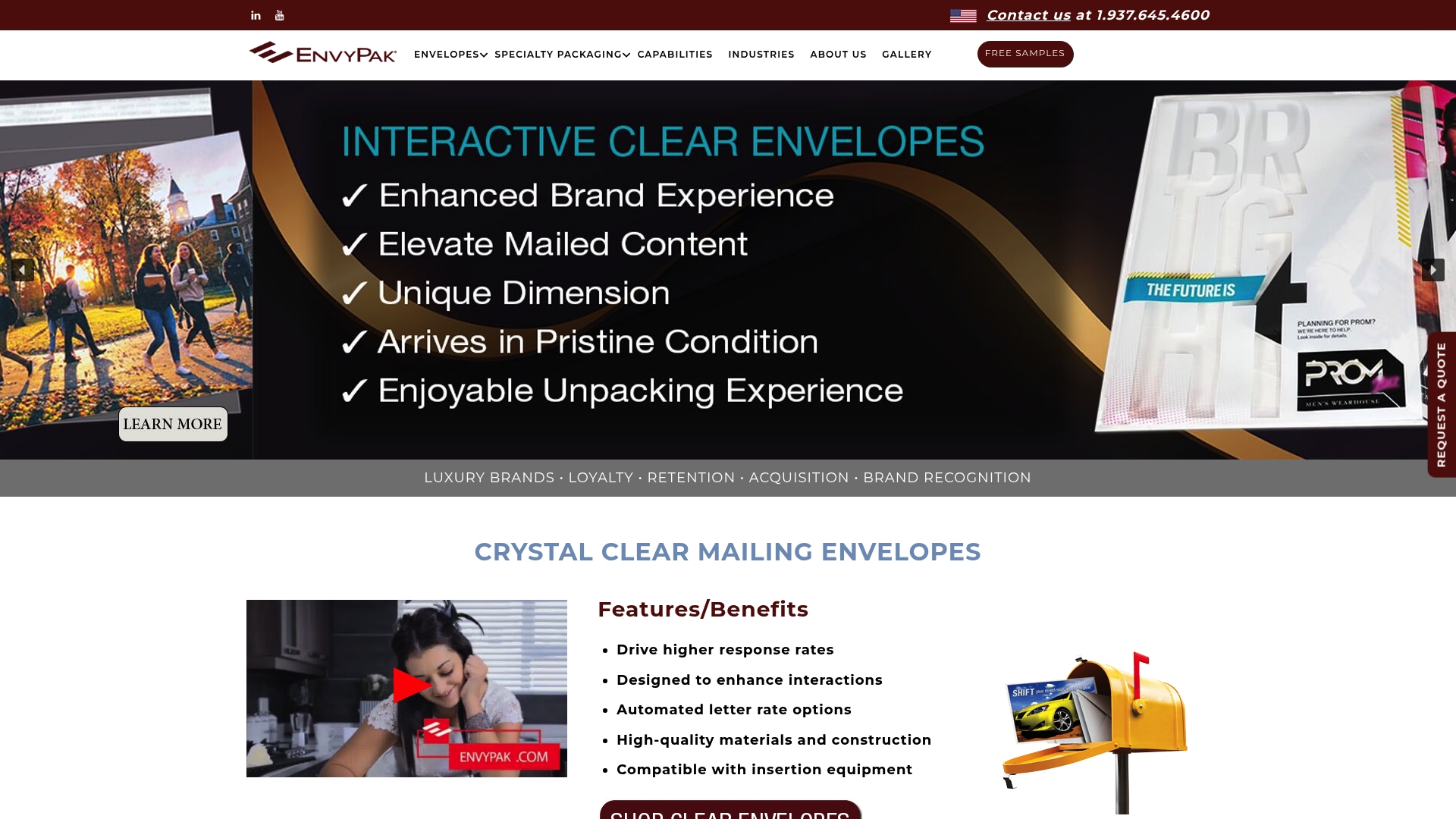
Automation handles the timing and targeting. The physical piece still has to earn attention the moment it lands in someone’s hands. Envypak’s crystal clear mailing envelopes are built specifically for direct mail campaigns where visual impact drives open rates. The contents are visible before the envelope is opened, which removes the first barrier between your message and your recipient. For teams scaling triggered mail programs, Envypak also offers custom envelope solutions designed to complement automation-compatible workflows. Every piece your system sends can look as deliberate and premium as a hand-assembled campaign, at any volume.
FAQ
What is direct mail automation?
Direct mail automation is the use of technology platforms to trigger, personalize, print, and mail physical pieces based on CRM events or scheduled workflows, without manual intervention at each step. Platforms like Lob and Postalytics connect directly to marketing stacks to execute campaigns automatically.
How fast can an automated direct mail campaign launch?
Automated campaigns can launch within 10 minutes of a trigger firing, with physical delivery completing in 1 to 3 business days plus standard postal transit time. Traditional manual campaigns typically require several weeks from brief to mailbox.
What data do I need before automating direct mail?
You need clean, normalized, and deduplicated contact records with complete mailing addresses before connecting any automation platform to your CRM. Poor data quality scales errors across every piece the system sends, increasing costs and reducing ROI.
How do I measure ROI from automated direct mail?
Use USPS Intelligent Mail Barcodes for delivery tracking, and embed QR codes or personalized URLs in each piece to connect physical engagement to digital behavior and revenue attribution. This creates a closed feedback loop that ties campaign spend directly to conversions.
Is automated direct mail better than email for engagement?
Targeted direct mail pieces engage recipients for an average of 30 minutes, which exceeds typical email engagement metrics significantly. When used together as part of a coordinated lifecycle strategy, direct mail and email outperform either channel used in isolation.